
Limited-time free trial for new users
New users can try BananaGen for free with welcome credits. Create your first Nano Banana 2 image before the launch offer ends.
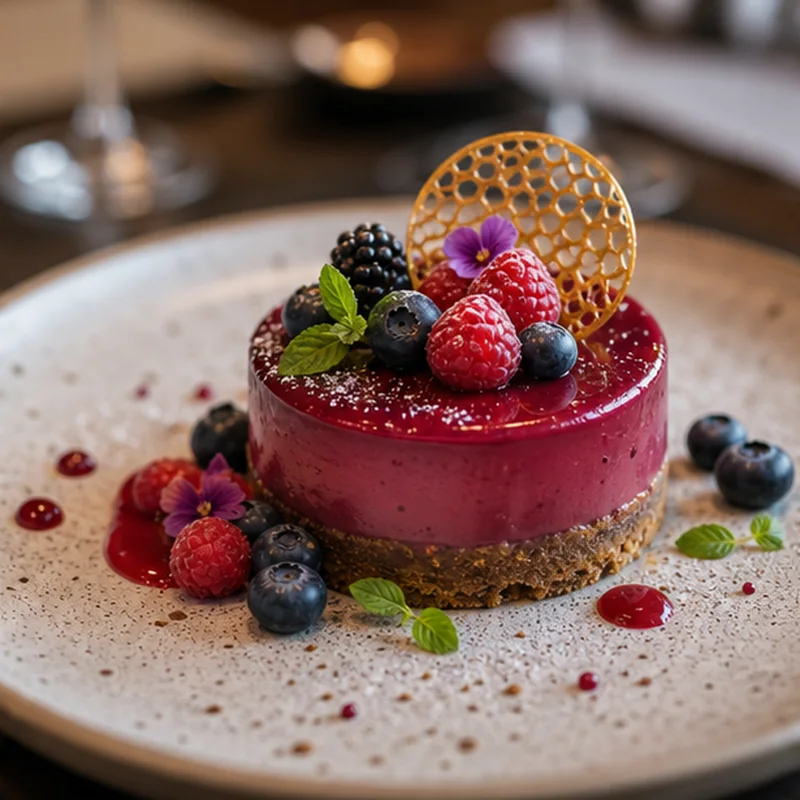
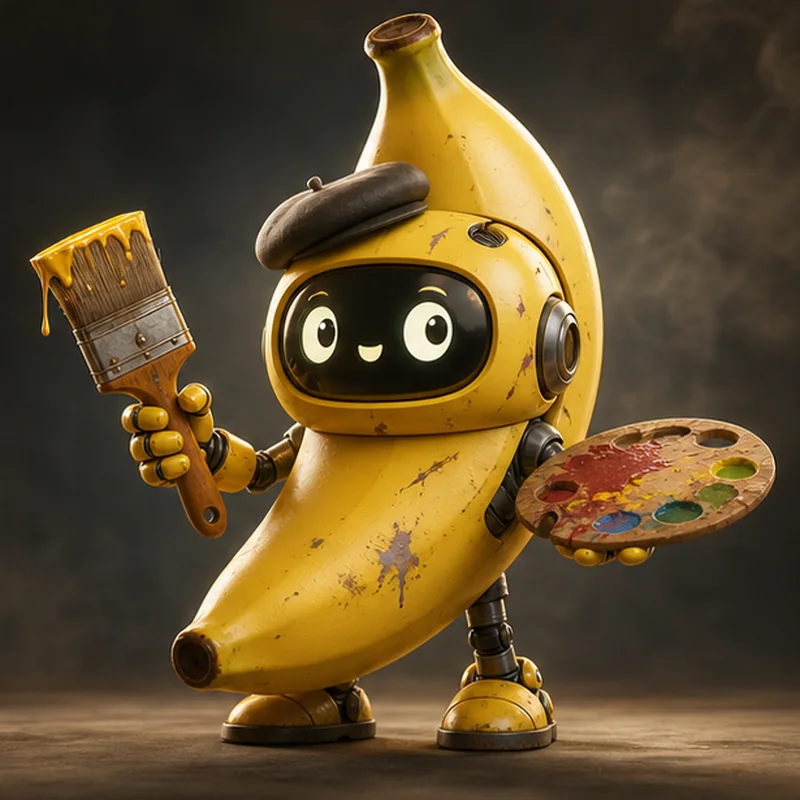
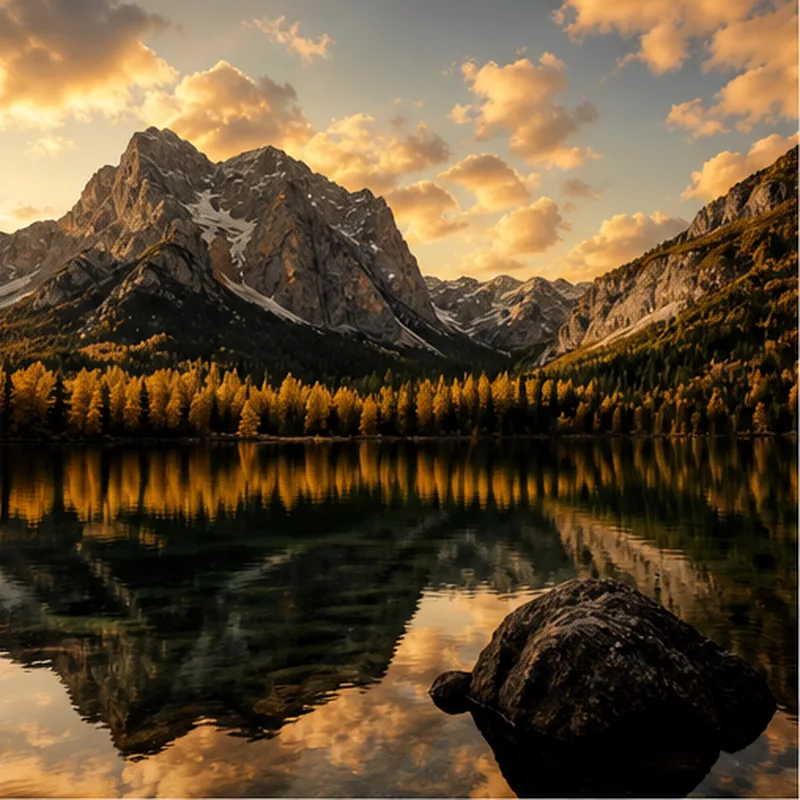
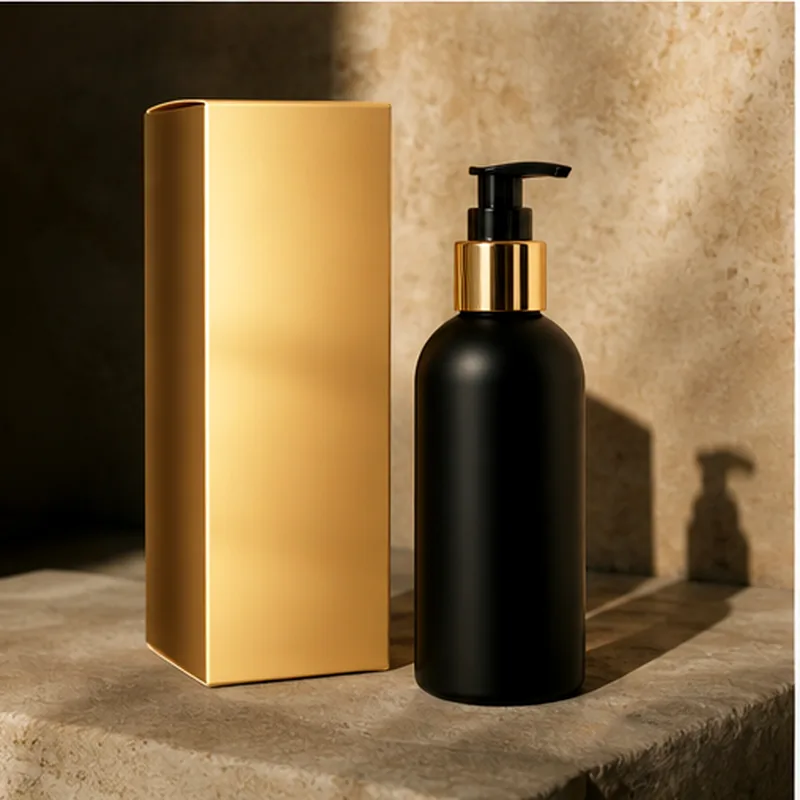
AI Image Gallery - Real Examples from Our AI Models
Explore stunning results from our top AI models. See how our technology delivers studio-quality results with character consistency.
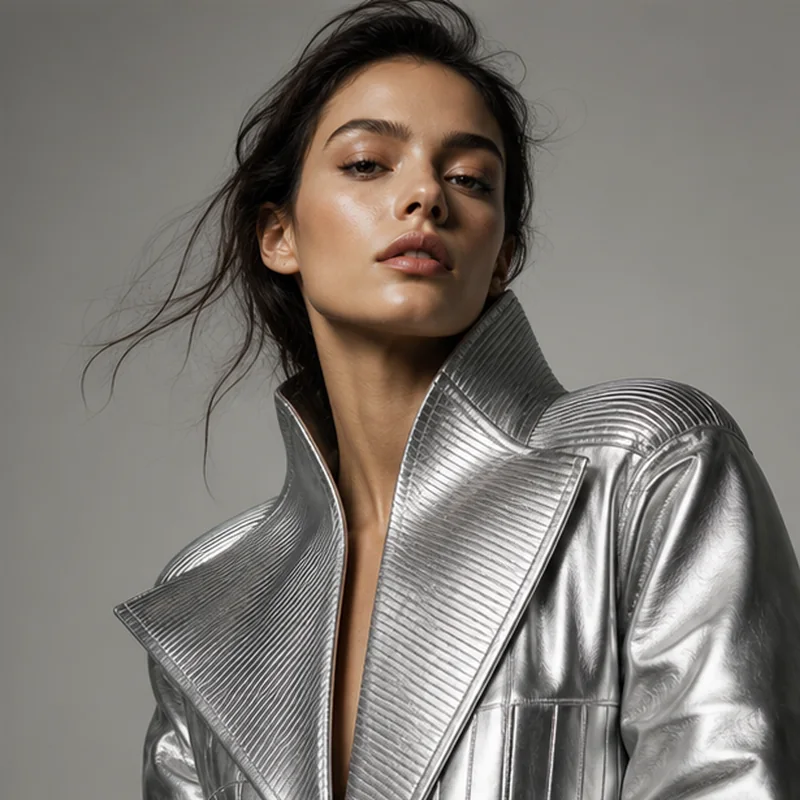
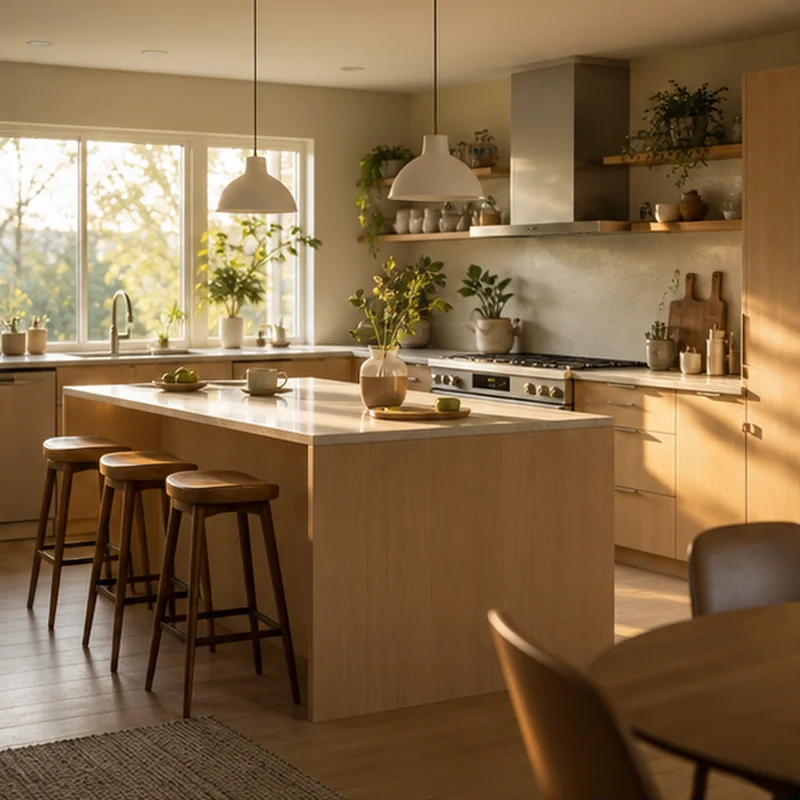
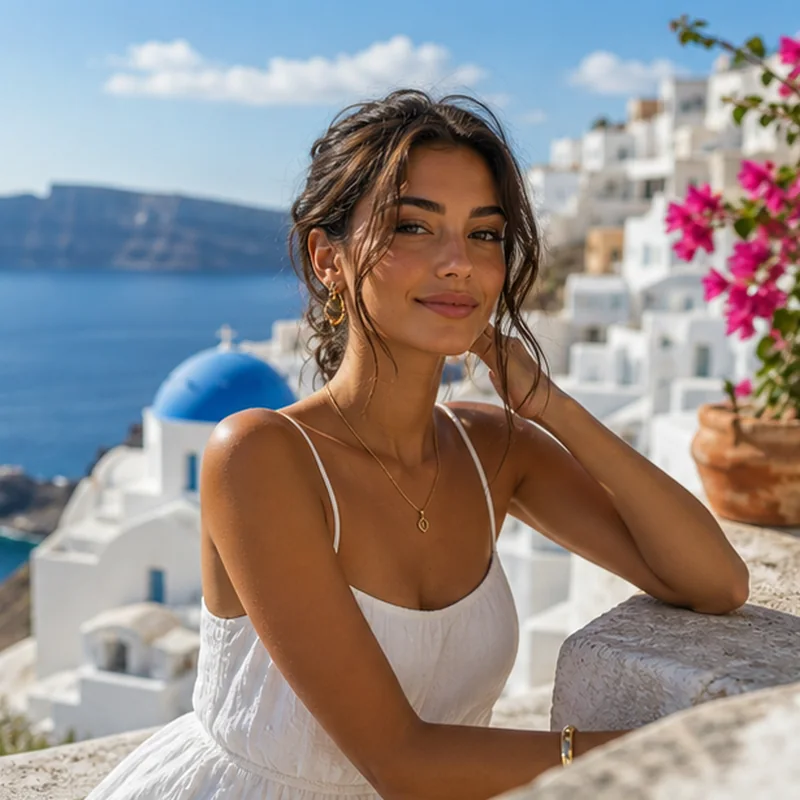
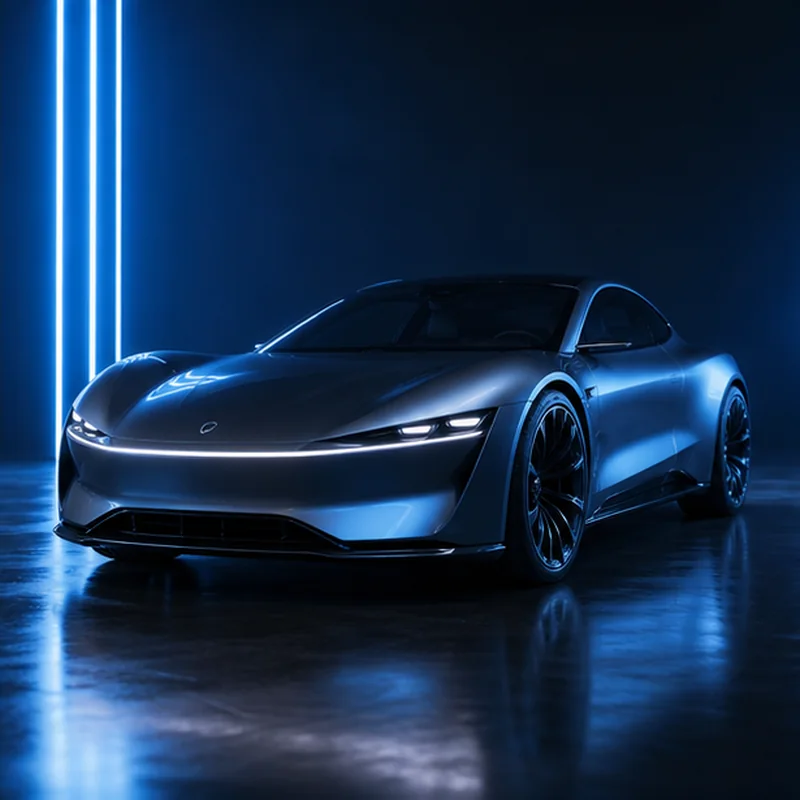
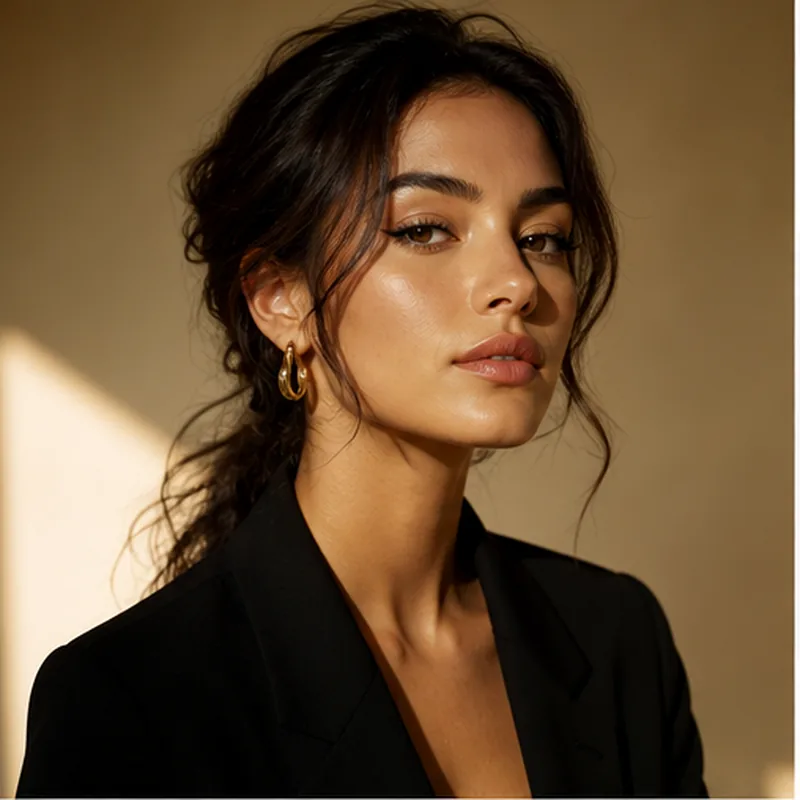
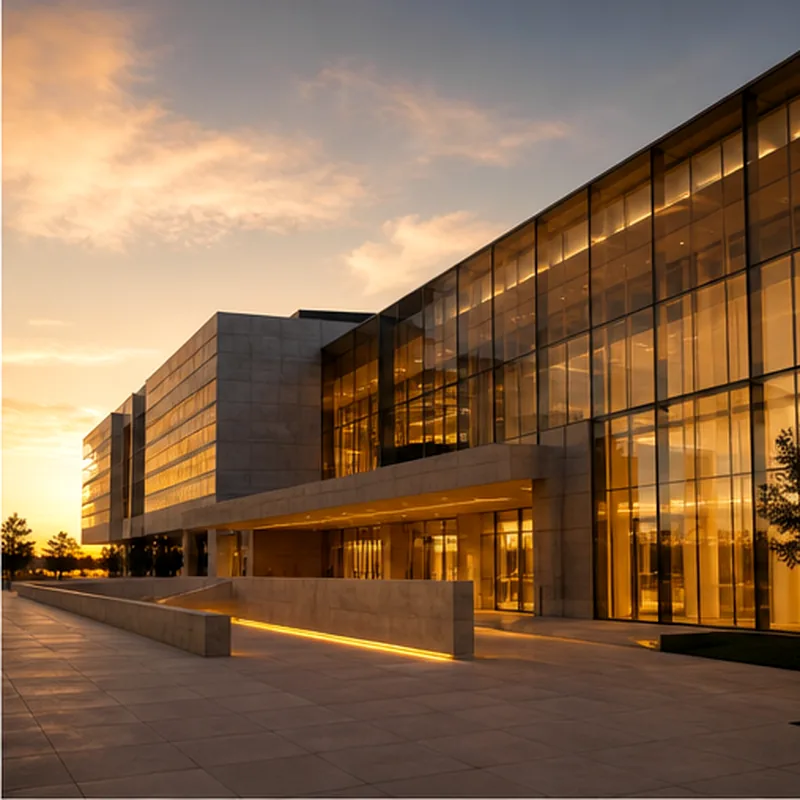
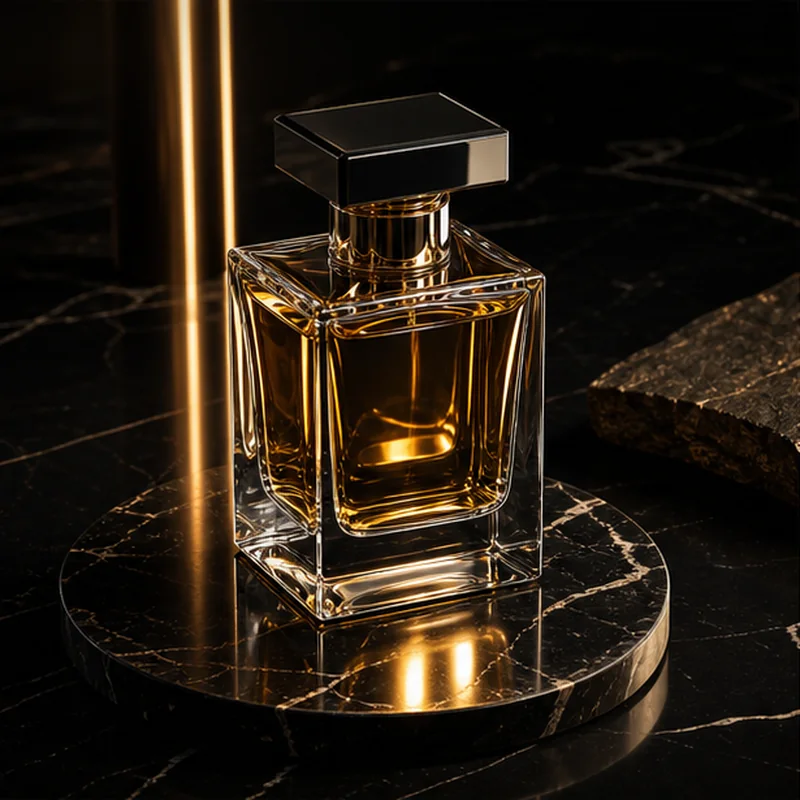
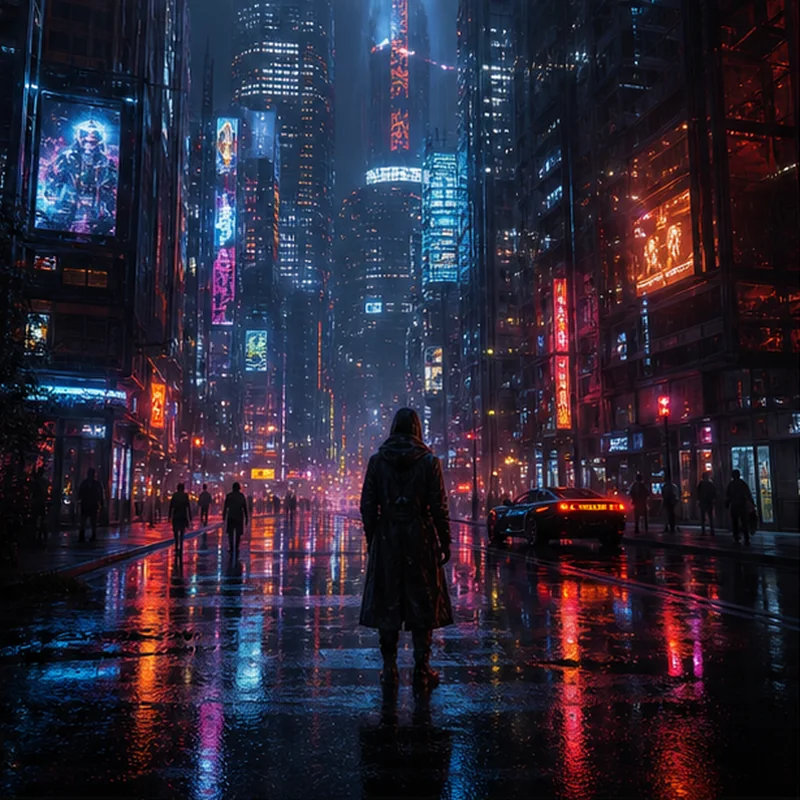
Nano Banana 2 features for creators and marketers
Use one clean workspace to generate images, edit uploaded photos, blend references, preserve characters, and produce consistent visual assets.
Prompt-Based Local Edits
Make precise, context-aware updates without breaking the original composition, lighting, or subject placement.
Multi-Image Fusion
Blend references for complex compositions that combine product, scene, subject, and visual style.
World Knowledge Integration
Generate contextually accurate images with better object relationships, readable concepts, and real-world details.
Character Identity Preservation
Keep faces, outfits, and character details recognizable across poses, settings, and style changes.
Scene-Aware Processing
Preserve depth, lighting, reflections, and perspective while applying targeted edits.
Professional Content Creation
Create consistent visuals for social media, ecommerce, marketing campaigns, and storytelling.
Why use BananaGen for Nano Banana 2?
BananaGen turns Nano Banana 2 image generation into a practical creation workflow: clear prompts, reference images, precise edits, and polished output.
Superior character consistency
Maintain identity and styling across edits, variations, and multi-step creative directions.
One-shot editing experience
Describe the change in plain language and get a usable result without a complex tool chain.
High-resolution creative output
Support polished campaign, product, and brand visuals that need crisp detail.
How to use Nano Banana 2 in BananaGen
Start with a prompt or reference image, configure the output, and generate a finished Nano Banana 2 image.
Upload your image
Start with JPEG, PNG, or WebP files for photo editing, product shots, artwork, or visual references.
Describe your edit
Write natural language prompts for background swaps, object changes, style transfer, or character updates.
Configure generation
Choose the quality, dimensions, and creative settings that fit the image you want.
Generate results
Create a polished result, refine the prompt, and download the finished image.
Choose your AI image generation plan
Generate high-quality AI images with subscription credits or flexible credit packs. New users can start with free credits.
Basic
Perfect for individuals and light users.
- 100 credits per month
- 50 AI images
- All style templates
- Standard generation speed
- JPG and PNG downloads
Pro
For professional creators and small teams.
- 500 credits per month
- 250 AI images
- Priority generation queue
- Batch generation
- JPG, PNG, and WebP downloads
Max
Designed for studios and high-volume teams.
- 1600 credits per month
- 800 AI images
- Fastest generation speed
- Dedicated account support
- All format downloads
Nano Banana 2 FAQ
Answers for what Nano Banana 2 is, how to use it for image generation, photo editing, and commercial visual creation.
What is Nano Banana 2?
Nano Banana 2 is a popular search term for next-generation AI image generation and editing workflows. BananaGen provides an independent workspace where users can create images, edit photos, and refine visual ideas.
How do I use Nano Banana 2?
Open the BananaGen image generator, enter a prompt or upload a reference image, set the output details, and generate the result.
Can I edit photos with Nano Banana 2?
Yes. You can upload a reference image, describe the change you want, and create an edited result while keeping the subject, lighting, and composition consistent.
What images can I create with BananaGen?
BananaGen works well for portraits, product visuals, social posts, concept art, brand assets, and marketing images that need a clear prompt-driven workflow.
Do I need design skills to use BananaGen?
No. Start with a plain-language prompt, add a reference image if needed, and adjust the result by describing what should change.
Can I use Nano Banana 2 images commercially?
BananaGen is designed for commercial workflows such as ecommerce images, marketing banners, social posts, campaign concepts, and product visuals. Always review the active terms for your account and model provider.
Start creating with BananaGen today
Join creators using a fast AI image studio for product visuals, image edits, backgrounds, characters, and campaign-ready assets.
Popular AI Image Tools and Nano Banana Models
Open focused BananaGen pages for text-to-image, image-to-image, Nano Banana 2, Nano Banana Pro, and GPT Image 2 style workflows.
Text to Image Generator
Create product photos, portraits, ads, thumbnails, and social images from prompts.
Use text to imageToolImage to Image AI Editor
Upload a reference image, preserve key details, and edit photos with natural language.
Edit an imageModelNano Banana 2
Fast Nano Banana 2 style generation for prompts, references, characters, and drafts.
Generate nowModelNano Banana Pro
Pro-style workflow for polished product images, portraits, ads, and commercial visuals.
Generate Pro imagesModelGPT Image 2
Test GPT Image 2 style prompts for product visuals, portraits, and creative concepts.
Generate with promptsModel hubAI Image Models Hub
Compare Nano Banana 2, Nano Banana Pro, GPT Image 2, GPT Image 1.5, and GPT Image 1 before you generate.
Explore all modelsComparisonAI Image Model Comparison
Choose the right model for drafts, product photos, portraits, ads, prompt control, and final commercial images.
Compare modelsTemplatesNano Banana 2 Prompts
Copy prompt templates for products, portraits, image edits, ads, and social visuals.
Browse promptsModelGPT Image 1.5
Use GPT Image 1.5 for high-quality prompt following, products, portraits, and ad drafts.
Open model pageFree trialFree AI Image Generator
Try BananaGen with 12 starter credits and generate two useful images before upgrading.
Start freeCreate the images people actually need
Open focused BananaGen workflows for ecommerce product photos, portraits, ad creatives, and social media images.
AI Product Photo Generator
Generate clean studio product photos, packaging concepts, landing page visuals, and ad-ready ecommerce images.
Create product photosCreatorsAI Portrait Generator
Create profile photos, creator portraits, editorial headshots, and character-consistent visual concepts.
Generate portraitsMarketingAI Ad Creative Generator
Build campaign concepts, product hero images, social ads, and landing page creative directions.
Make ad creativesSocialSocial Media AI Image Generator
Generate mobile-first post images, thumbnails, banners, vertical graphics, and creator visuals.
Create social images